
what you get.
One queue for the whole café
A takeaway at the counter and a second round at table 3 land in the same list, in the order they came in. The takeaway gets a pickup number and the table order shows its table number, so the barista knows where each cup goes.
Mark it sold out from the counter
When the banana bread runs out at 09:00, tap it once on the phone at the counter. Within seconds, every menu shows it as sold out.
Cooking times guests can see
Each item on the menu shows how long it takes to make, so guests know the wait before they order.
Today’s sales as they happen
Watch the day’s sales and orders add up on your phone while the café is open. The last seven days are there too, so you can see how the week is going.
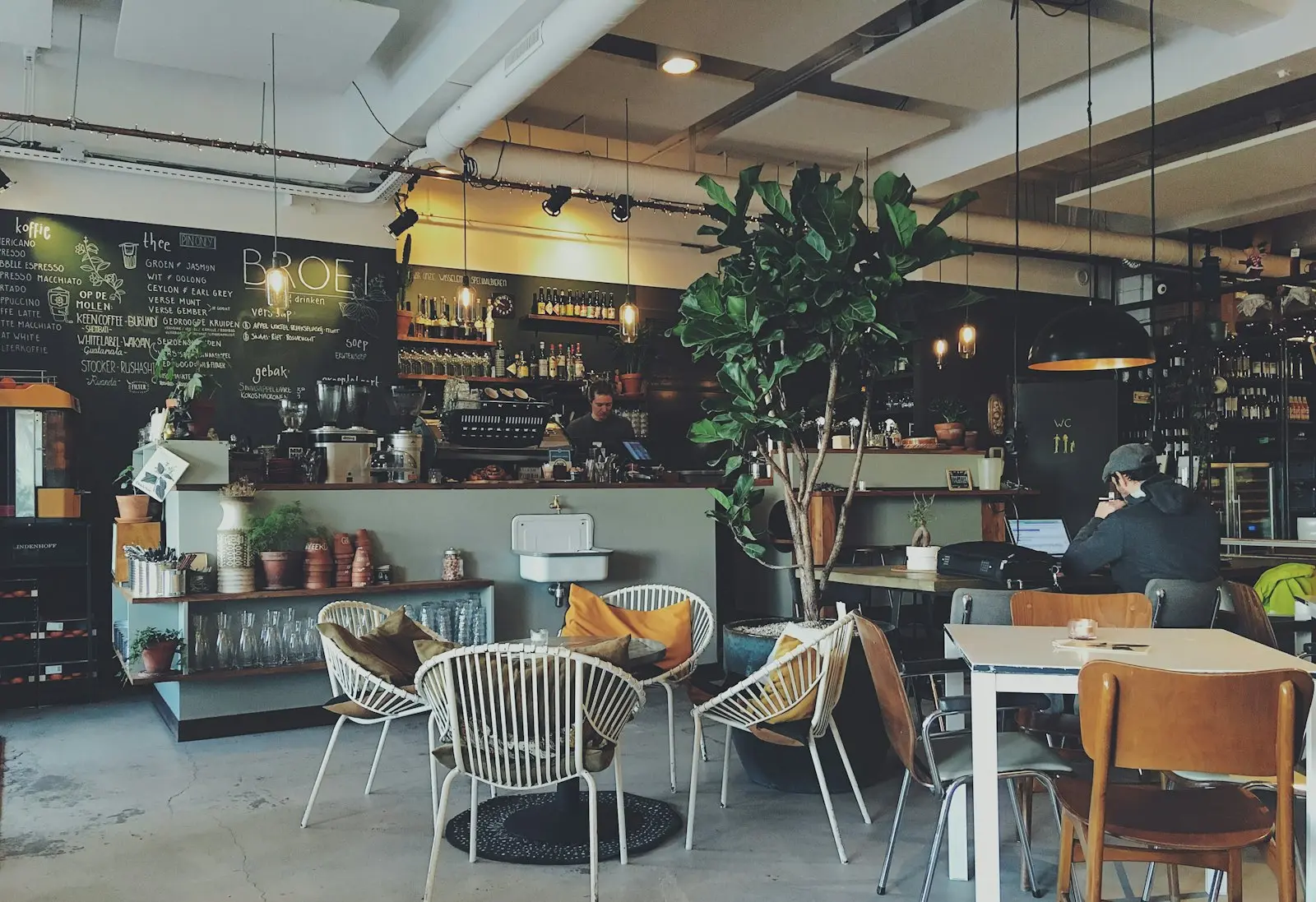
It’s 08:15 and the queue is five deep. People scan the QR code at the counter and order while they wait, and two regulars at the window order another coffee without getting up. The barista works down one list on one screen and calls out pickup numbers instead of names. There’s no paper slip to lose. Thinking about a kiosk for the queue? Read self-ordering kiosk vs QR ordering.
common questions.
Can guests order from the counter queue?
Yes. A QR code at the counter lets people order while they wait and gives each of them a pickup number. Table QR codes work the same way for people sitting down.
Does it handle takeaway?
Yes, counter pickup is built in. The guest gets a pickup number, the order goes to the kitchen screen, and one tap tells your staff when it’s ready.
What hardware does a café need?
Nothing new to buy. The kitchen screen runs in the browser on any tablet or spare laptop, and staff use their own phones for the rest.
How much does Zervoo cost for a café?
You pay per venue, per month. The Menu plan, a menu to browse with up to 3 dishes in 3D, starts from $10. Plans with ordering and the kitchen screen are priced on a short call. There’s no setup fee or commission. While we’re new, paying for a year up front gets you two months free.
Do extra staff logins cost more?
No. On the Service and Group plans, add as many staff logins as you need. You pay per venue, not per person.
How do café guests pay?
Guests pay the way they do today, and you close the bill at the counter. Paying from their phone is on the way, through your own payment provider. Zervoo never holds your money.
More in the full FAQ · or talk to the people building it.
one system.
ONE SYSTEM · FOUR PARTSEverything your restaurant runs on, in one place.
Guests scan a QR code and order from their own phone. Dishes can show in 3D, made from your photos.
DashboardEvery order, table and sale as it happens. You change the menu from the same screen.
Kitchen screenEvery order on one screen in the kitchen, oldest first.
Counter (POS)Walk-ins, phone orders and paying at the counter.