
Each QR code knows its table.
Every table, room and counter gets its own QR code. It opens from the phone’s camera. Nobody has to wait for a waiter to bring a menu.
- Works on any phone camera
- No app install, no login
- QR codes printed from your dashboard
A menu that answers questions for you.
Categories, photos, prices, cooking times and dietary marks. If a dish sells out tonight, the menu shows it as sold out.
- Cooking time on every dish
- Veg, non-veg and allergen marks
- Sold-out dishes update within seconds
Portions, allergens, and a picture of the real dish.
Everything a guest would otherwise ask about is on one screen, so your staff spend their time serving instead of explaining dishes.
- Portion and add-on choices
- Allergens listed with each dish
- Guests pick how many before they send it
See the dish before it arrives.
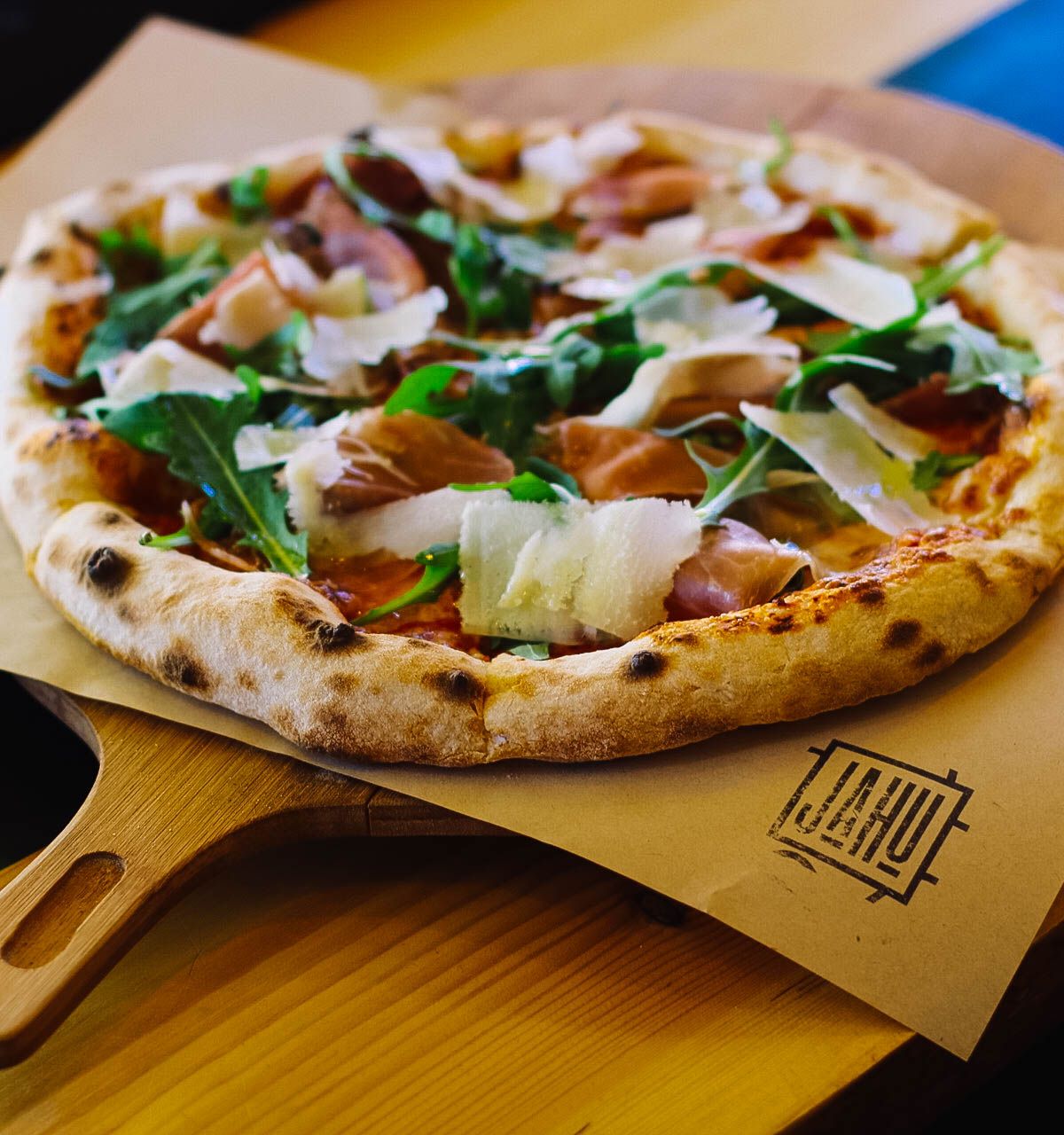
Any dish can have a 3D model. The guest turns it with a finger, or uses AR (augmented reality) to see it on their own table through the phone camera. We make the models from photos of your real dishes and host them, so the guest needs nothing extra.
- Turn it in the browser
- AR on the guest’s own table
- Optional, dish by dish
Straight to the kitchen, with the table number on it.
The order reaches the kitchen screen in seconds. Guests pay the way they do today, and you close the bill at the counter. Paying from their phone is on the way, through your own payment provider. Zervoo never holds your money.
- Pay as you do today
- Nobody types the order in twice
Water, the bill or a waiter, in one tap.
Your staff see each request with the table number, so they know exactly where to go.
- Sent from the same menu they ordered from
- Staff mark it seen, then done
- Answered from any staff phone
It opens from the camera, in the browser the guest already has.
Android or iPhone. AR works on phones that support it.
Pick the look that suits your room.
See it with your own menu.
Book a short demo call and bring a photo of your menu. We’ll show you Zervoo with your own dishes, and if you want to start, we can set up your first venue before the call ends. You won’t need a card.
Not ready to talk? Read the FAQ or see how it works